Check whether the game suits a remote seat
Open-information games are generally simpler to manage than games with private hands, simultaneous secret choices or frequent physical negotiation. Consider how the remote player will receive every piece of information they are entitled to see without exposing it to others. If that requires constant camera changes and private messages, another game may fit the occasion better.
Confirm that moving pieces for the remote player will not change a dexterity challenge or memory task. Some activities depend on a person's own physical action, so substituting a local helper changes the experience. Discuss the arrangement openly and avoid presenting an improvised remote mode as the publisher's intended rules.
Build a readable camera view
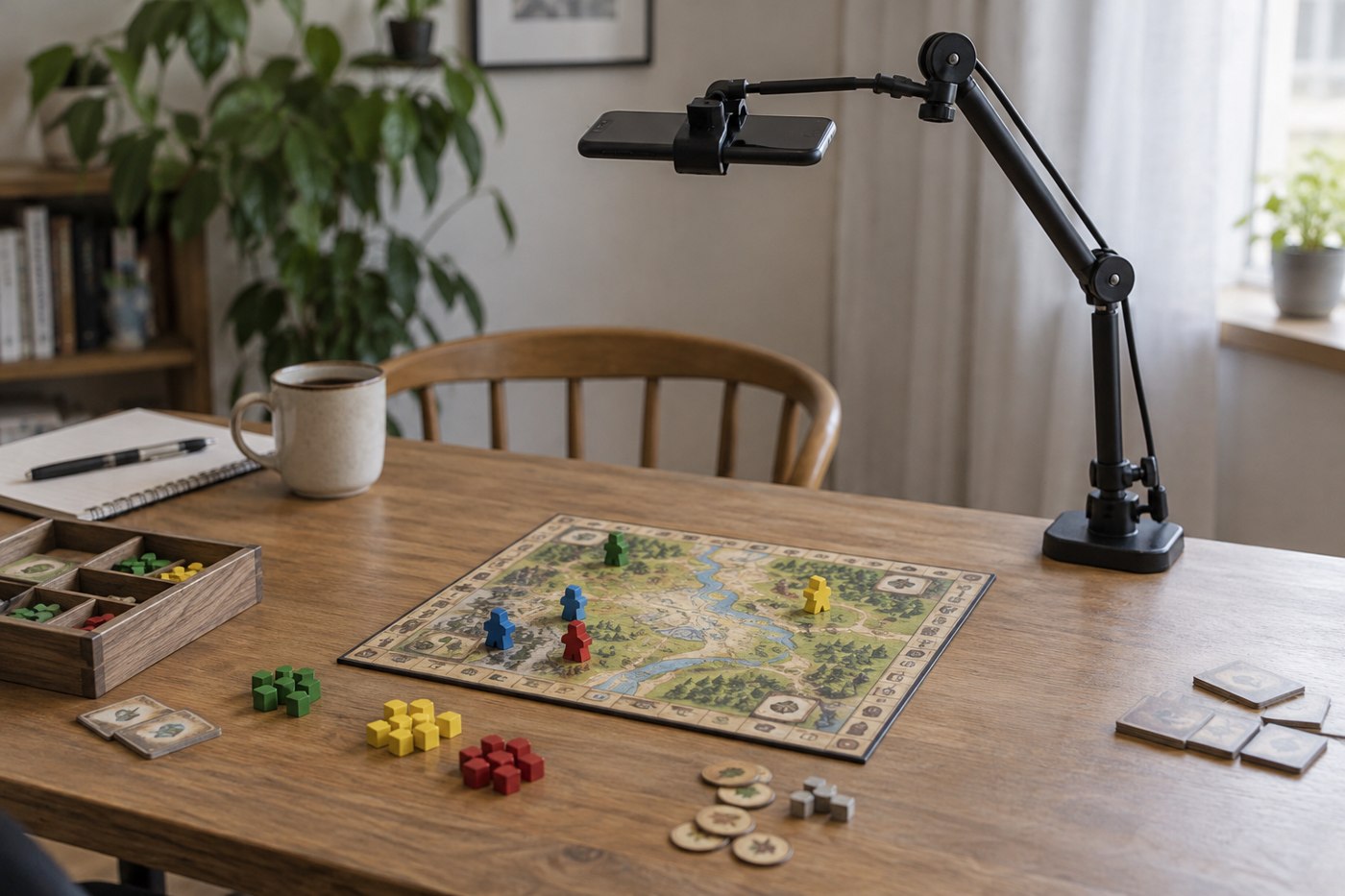
Place the camera securely so it cannot fall onto components or swing when the table moves. Show the full shared area, then check the view on another device at the size the remote player will actually use. Text that looks readable on your large monitor may be illegible in a small call window.
Reduce glare from sleeves and glossy boards by adjusting the light and camera angle. Keep essential public cards in a consistent place. If close-ups are necessary, decide how to provide them without losing the overall position. A still image sent through the agreed channel may be clearer than waving a card near the lens.
Create unambiguous locations
Use existing printed names or coordinates when available. Otherwise agree on simple temporary labels beside the board, making sure they do not cover rules information. Left and right can become confusing when a view is mirrored. A named row or numbered space is easier to communicate than pointing at something the camera does not show clearly.
Identify who will move pieces and repeat the requested action before committing it. The helper should execute the remote player's choice, not improve it silently. If the request is illegal, explain the relevant restriction and let the player choose again. Keep strategic advice subject to the same agreement used for local players.
Teach using deliberate pauses
Explain one component or action at a time, then allow the remote player to ask questions. Avoid simultaneous table talk during the initial explanation. Audio delay makes interruptions harder to manage, and a remote listener cannot always tell who is speaking. Name the active player when turns change.
Demonstrate a complete ordinary turn in the camera view. Show payments and destinations, then state any change that is too small to see. Ask the remote player to describe a possible action using the agreed labels. This tests both rules understanding and the communication system before the real game advances.
Plan for interruptions and private information
Agree to pause if the call drops. Leave the position untouched and do not reveal new information while someone reconnects. Keep a concise record of the current player and phase if the game is long. A connection problem should not force the absent player to reconstruct several unseen turns.
Use private channels only with the participants' agreement and avoid recording the session by default. If a game requires hidden cards, test that each intended player receives only their own information. When that cannot be done reliably, choose an open-information alternative rather than relying on everybody to ignore what they have already seen.
Check the audio while moving ordinary components. A microphone resting on the table may amplify scraping, dice and card handling enough to cover speech. Position it securely away from those noises, then ask the remote participant to confirm that a normal speaking voice remains clear during a sample turn.